PS1 Games Online
Play original PlayStation games straight in your browser. No console, no emulator install, no BIOS hunting: open a game, press Play, and pick up the controller (or the keyboard) you already have.
Play PS1 games in your browser
4 PS1 games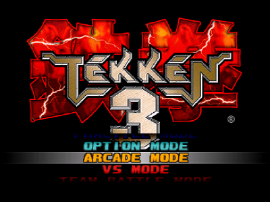 PS1 / fighting
Tekken 3 Online
Play Tekken 3 Online in your browser with a local EmulatorJS shell, load the PlayStation classic directly, and revisit a landmark 3D fighter in fullscreen.
Play Tekken 3 Online →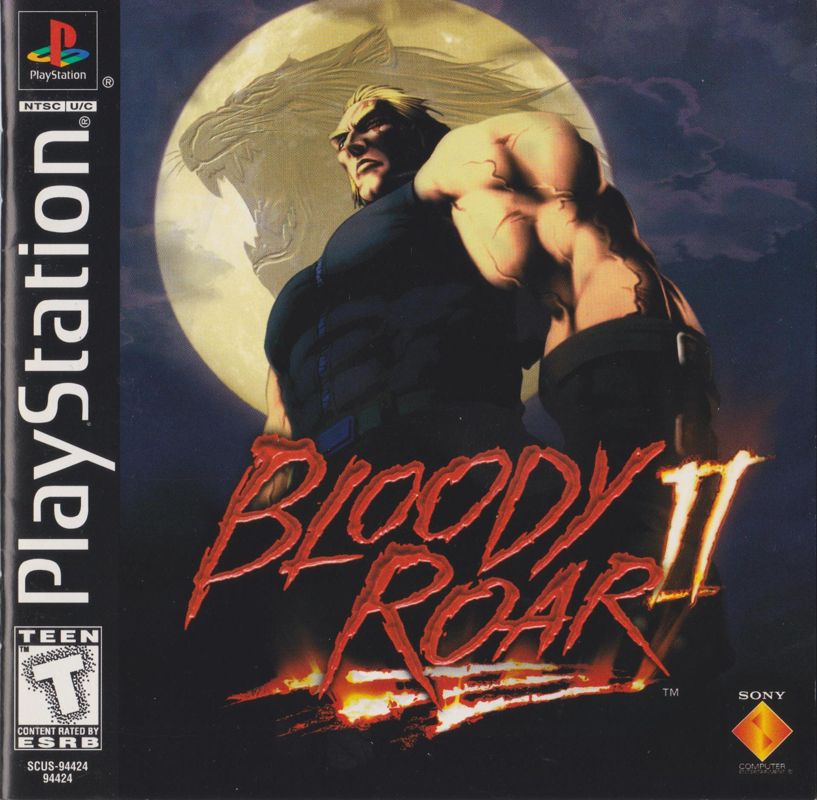 PS1 / fighting
Bloody Roar 2
Play Bloody Roar 2 in your browser with a local EmulatorJS setup, load the PlayStation fighter fast, and master beast transforms, guard timing, and spacing.
Play Bloody Roar 2 → PS1 / platformer
Crash Bandicoot
Play Crash Bandicoot in your browser with a local EmulatorJS setup, revisit the original PlayStation platformer, and master jumps, spin attacks, crates, and gem routes.
Play Crash Bandicoot → PS1 / sports
PES 2 Online
Play PES 2 Online in your browser with a local EmulatorJS setup, load the PlayStation football classic fast, and enjoy quick matches, cups, and Master League.
Play PES 2 Online →
How to play PS1 games online
- Step 1
Pick a game
Open any PS1 title from the list above. Each game page carries its own player, controls notes, and background on the original PlayStation release.
- Step 2
Press Play and let it load
The emulator and game data load in your browser. The first start takes the longest; later sessions are usually quicker because your browser keeps the files.
- Step 3
Use a keyboard or a controller
Keyboard works out of the box. A gamepad usually works too, as long as your browser and operating system recognize it before the game starts.
- Step 4
Go fullscreen once it feels stable
Use the Fullscreen button under the player after the first few seconds, once inputs feel responsive.
PS1 games online FAQ
- Can I play PS1 games online for free here?
- Yes. Every PlayStation game on this page runs in a browser-based emulator, so there is nothing to buy or install before you start.
- Do I need to download an emulator or BIOS?
- No. The player is already set up on each game page. You only need a modern desktop browser and a stable connection for the first load.
- Which PS1 games are available?
- Right now: Tekken 3, Bloody Roar 2, Crash Bandicoot, PES 2. The PS1 library is curated rather than a bulk ROM dump, and new PlayStation titles are added over time.
- Does it work on a phone?
- Desktop is the most reliable setup. Phones can run some sessions, but on-screen controls are harder to use for fighting games and precise platforming.